> For the complete documentation index, see [llms.txt](https://docs.taskade.com/llms.txt). Markdown versions of documentation pages are available by appending `.md` to page URLs; this page is available as [Markdown](https://docs.taskade.com/developers/long-term-memory.md).
# Long-Term Memory
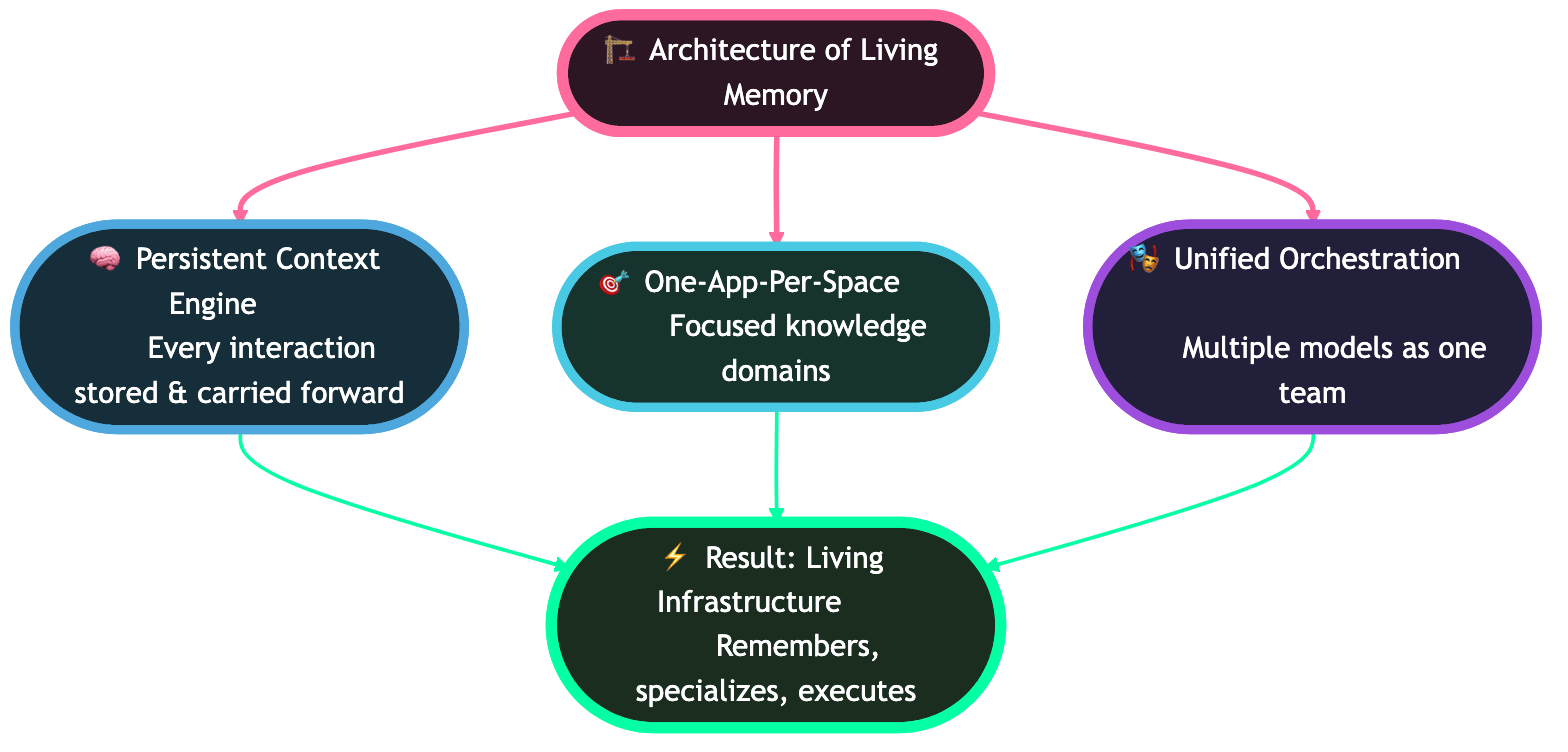
Taskade's Long-Term Memory architecture — memory that lives as real Projects in your workspace, editable, browsable, and API-addressable.
Taskade EVE's long-term memory **is a Project in your workspace**. Not an opaque blob. You can browse it, edit it, version it, and query it via the Public API — just like any other project.
This architectural choice is what makes Taskade memory transparent, controllable, and composable with the rest of the platform.
## Table of Contents
* [Mental Model — Memory as Projects](#mental-model-memory-as-projects)
* [How EVE Uses Memory](#how-eve-uses-memory)
* [Agent Memory vs EVE Memory](#agent-memory-vs-eve-memory)
* [Model Agnosticism](#model-agnosticism)
* [Inspecting and Editing Memory](#inspecting-and-editing-memory)
* [API Access](#api-access)
* [Privacy and Scoping](#privacy-and-scoping)
* [Best Practices](#best-practices)
* [Related](#related)
***
## Mental Model — Memory as Projects
Most AI platforms store memory in a hidden vector database. You can't see what the agent remembers or correct it directly.
Taskade takes a different approach.
```mermaid
graph TB
subgraph "Traditional AI Platforms"
A1[Agent] -.->|opaque blob| M1[(Hidden memory)]
end
subgraph "Taskade — Memory as Projects"
A2[Taskade EVE]
M2[Memory Project in your workspace]
U2[User]
A2 -.writes.-> M2
A2 -.reads.-> M2
U2 -.can browse.-> M2
U2 -.can edit.-> M2
U2 -.can query via API.-> M2
end
```
**Why this matters:**
* **Transparency** — you see exactly what Taskade EVE remembers.
* **Controllability** — edit or delete memory blocks like any project content.
* **Composability** — use memory as an input to automations, agents, or other apps.
* **Portability** — memory is part of your workspace, not locked in a separate system.
***
## How EVE Uses Memory
EVE is Taskade's meta-agent — the one you talk to when building apps and orchestrating work.
* Memory **persists across sessions.** EVE remembers what you've been working on even after you close and reopen Taskade.
* Memory is **workspace-scoped.** Each workspace has its own EVE memory.
* Memory grows **automatically** as you interact — no manual tagging required.
* EVE runs on the same Workspace DNA (Projects + Agents + Automations) it orchestrates for you.
***
## Agent Memory vs EVE Memory
Taskade has two distinct memory systems. Both use the same architectural principle (memory-as-Projects), but they serve different purposes.
| Dimension | Per-Agent Memory | EVE Workspace Memory |
| ------------------- | ------------------------------- | ------------------------------- |
| **Scope** | Single agent | Whole workspace |
| **Persists across** | Conversations with that agent | All sessions and agents |
| **User-editable** | Limited | Full — it's a Project |
| **API addressable** | Via agent endpoints | Via project endpoints |
| **Model support** | All frontier models | All frontier models |
| **Typical use** | Personalized assistant behavior | Cross-session workspace context |
***
## Model Agnosticism
Memory works across every available AI model.
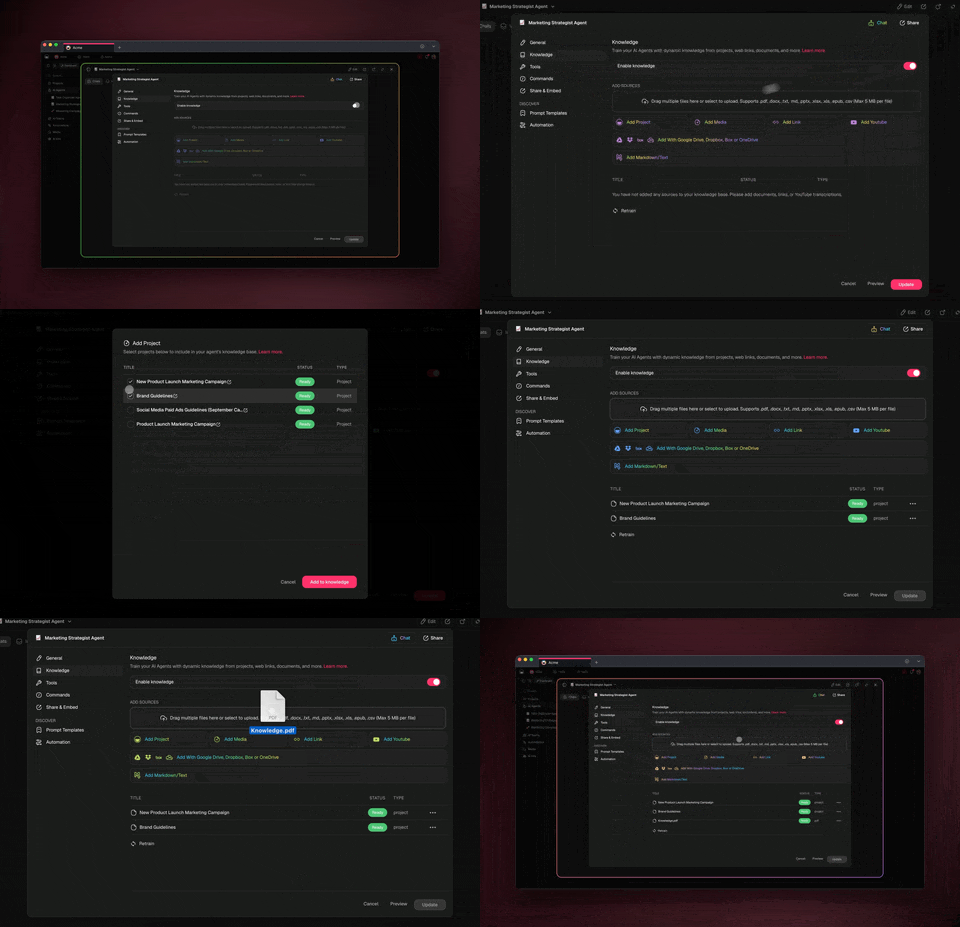
* Persistent memory is **not limited to specific models** — every AI agent supports memory regardless of which model you pick.
* The memory tool is enabled for **all 11+ frontier models** currently integrated with Taskade.
* Switching model (say, from Claude to Gemini) does not reset an agent's memory.
***
## Inspecting and Editing Memory
### Finding the memory project
In your workspace sidebar, look for the project prefixed with **"EVE Memory"** or your agent's memory project (naming varies based on when it was created).
### Editing manually
Open the memory project like any other project. You can:
* **Remove entries** you don't want remembered.
* **Correct facts** EVE got wrong.
* **Add context** manually when you want EVE to know something it hasn't inferred yet.
* **Version** the memory (Taskade's version history applies).
{% hint style="info" %}
EVE reads from the memory project at each interaction, so your edits take effect immediately in the next conversation.
{% endhint %}
### Common cleanup patterns
* After a major project pivot, prune outdated assumptions.
* Before sharing a workspace, review EVE memory for anything sensitive.
* Periodically archive resolved context so memory stays focused on current work.
***
## API Access
Because memory is a Project, it's addressable via the Public API.
All calls use the [Action API v2](/developers/api-v2-reference.md) with a `Bearer` token.
### Find the memory project
```typescript
const headers = {
Authorization: `Bearer ${process.env.TASKADE_TOKEN}`,
"Content-Type": "application/json",
};
const res = await fetch("https://www.taskade.com/api/v2/listProjects", {
method: "POST",
headers,
body: JSON.stringify({ spaceId: SPACE_ID }),
});
const { items } = await res.json();
const memory = items.find(p => p.name?.startsWith("EVE Memory"));
```
### Read memory contents
```typescript
if (memory) {
const res = await fetch("https://www.taskade.com/api/v2/listBlocks", {
method: "POST",
headers,
body: JSON.stringify({ projectId: memory.id }),
});
const { items: blocks } = await res.json();
console.log("EVE remembers:", blocks);
}
```
### Attach memory as knowledge to another agent
```typescript
// Give a specialist agent access to workspace context
await fetch("https://www.taskade.com/api/v2/addKnowledgeProject", {
method: "POST",
headers,
body: JSON.stringify({ agentId: AGENT_ID, projectId: memory.id }),
});
```
{% hint style="info" %}
Memory projects follow the same schema as any other project: blocks, tasks, metadata. Treat them like a project you happen to read a lot.
{% endhint %}
***
## Privacy and Scoping
* **Workspace-scoped.** EVE memory does not leak across workspaces.
* **Controlled by workspace members.** Anyone with edit access to the workspace can view and modify memory.
* **No external service.** Memory lives in Taskade's infrastructure, not a third-party vector store.
{% hint style="warning" %}
**Memory is never included in exported bundles.** When you export an app via [Bundles](/developers/bundles.md) or GitHub, its memory project is left behind — so a scripted `exportBundle` will not carry the agent's accumulated context to the target workspace.
{% endhint %}
***
## Best Practices
* **Let EVE remember enough to be useful.** Resist the instinct to wipe memory frequently — context compounds.
* **Prune when context drifts.** Major pivots are a good time to review and edit.
* **Use memory as input to automations.** Read memory via the API to personalize triggered flows.
* **Scope sensitive info.** Keep confidential context in a dedicated workspace if you're collaborating with external parties.
* **Document memory assumptions in the project itself.** EVE reads it — so add explicit "please remember that…" notes as project content.
***
## Related
{% content-ref url="/pages/gAVvLQJwpYMggTbXn18Q" %}
[Action API v2 Reference](/developers/api-v2-reference.md)
{% endcontent-ref %}
{% content-ref url="/pages/s8WatfU5B60ugwEJ3tQF" %}
[SDK Cookbook](/developers/sdk-quickstart/sdk-cookbook.md)
{% endcontent-ref %}
{% content-ref url="/pages/LhJBECGJ3yEzg0jZJXAp" %}
[Autonomous Agents](/developers/autonomous-agents.md)
{% endcontent-ref %}
{% content-ref url="/pages/uddebp2h41y2yHbSF9I0" %}
[Agent Knowledge & Memory](/ai-features/ai-features/agent-knowledge.md)
{% endcontent-ref %}
---
# Agent Instructions
This documentation is published with GitBook. GitBook is the documentation platform designed so that both humans and AI agents can read, navigate, and reason over technical content effectively. Learn more at gitbook.com.
## Querying This Documentation
If you need additional information that is not directly available in this page, you can query the documentation dynamically by asking a question.
Perform an HTTP GET request on the current page URL with the `ask` query parameter, and the optional `goal` query parameter:
```
GET https://docs.taskade.com/developers/long-term-memory.md?ask=&goal=
```
`ask` is the immediate question: it should be specific, self-contained, and written in natural language.
`goal` is optional and describes the broader end goal you are ultimately trying to accomplish on behalf of the user. GitBook uses it to tailor the answer towards what is most useful for that goal.
The response will contain a direct answer to the question and relevant excerpts and sources from the documentation.
Use this mechanism when the answer is not explicitly present in the current page, you need clarification or additional context, or you want to retrieve related documentation sections.